Nix-Based Developer Environment Onboarding Under Two Minutes
Automate developer setup with Nix, direnv, and a binary cache.
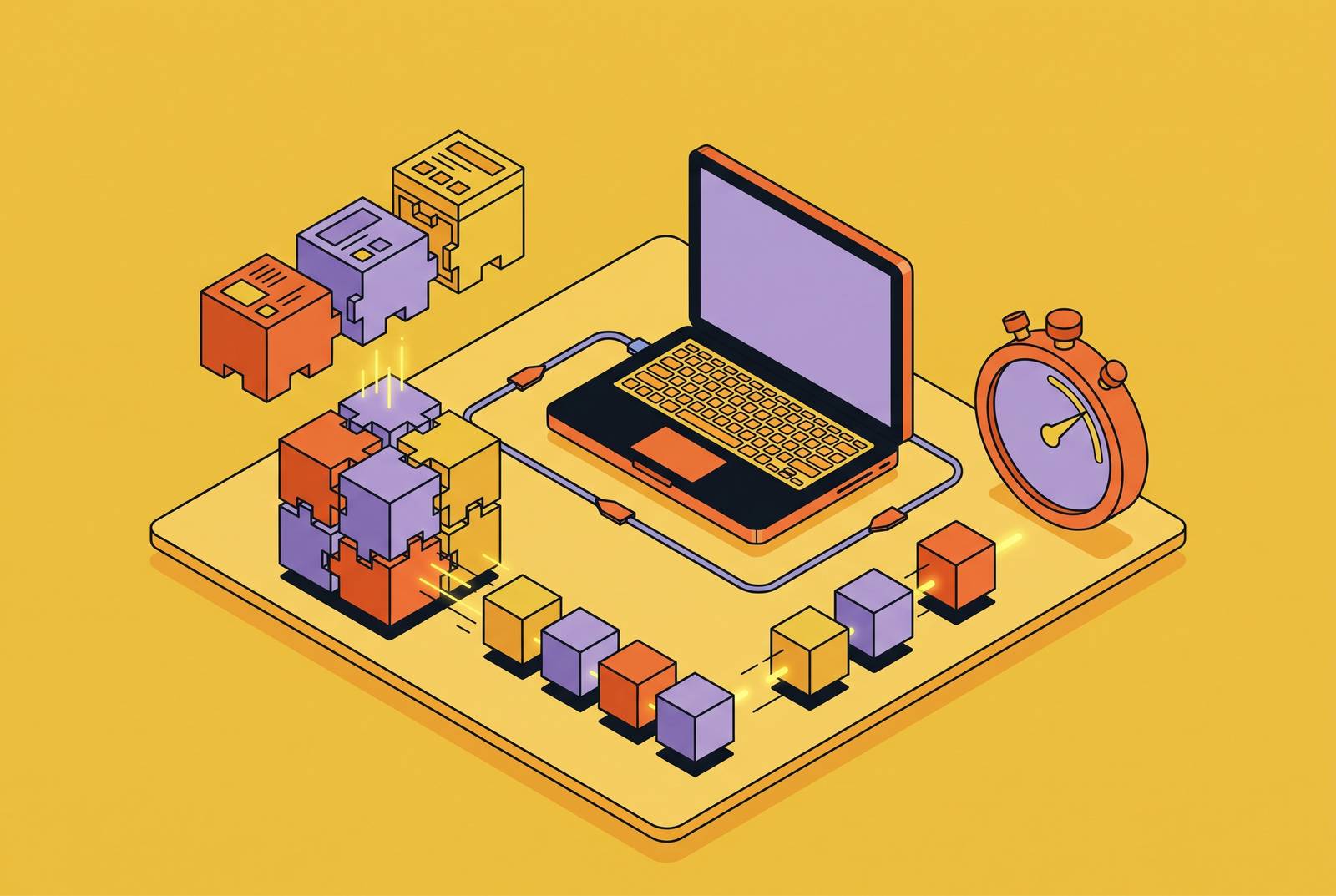
Nix-based developer onboarding under two minutes is achievable when the repository defines the full dependency stack, direnv activates it automatically, and a warm binary cache supplies the packages. With this workflow, developers and CI share a pinned environment, so developers no longer have to install tools by hand. The timing starts with Nix and direnv already installed and includes a one-time authorization.
Why developer onboarding still takes hours despite reproducibility tooling existing
A new contributor clones the repository, reads a stale README, installs a language runtime, and discovers that the project expects a different version. Dependency installation then exposes another mismatch in a native tool or system library. The familiar ritual consumes more than installation time. A senior engineer joins the debugging session, while the new hire loses confidence before writing code. Knowing that reproducibility tooling exists does not remove this work unless the repository actually defines its environment.
A JavaScript lock file records npm packages but leaves Node.js and native tools outside its scope, while a Python requirements file omits the interpreter and system libraries. Each pins only a slice of the stack. Containers narrow the gap, but an image-and-registry workflow adds local development friction and separates developers from their dotfiles and native tools. The authoritative definition therefore has to travel with the code.
What Nix actually guarantees and where that guarantee stops
Nix manages a dependency graph, but its control does not extend to every property of a machine. Packages live under /nix/store, where separate paths allow different versions of the same tool to coexist without conflicts. A flake.nix defines inputs and outputs, while flake.lock records which revisions the input graph uses and the information needed to check their integrity. Committing the lock file makes updates reviewable. It replaces an informal instruction to install a suitable version with a recorded choice that teammates and CI can share.
That guarantee has a defined boundary. Hardware architecture, OS interfaces, environment variables, network services, secrets, and non-deterministic build steps can still differ. The Nix Reference Manual lists support for Linux on i686, x86_64, and aarch64, and macOS on x86_64 and aarch64. The same flake can therefore provide native binaries to ARM macOS and x86-64 Linux teammates without implying identical platform behavior. Onboarding speed has a separate limit, because the first activation must fetch or build packages, and a cache miss can make that run slow.
How do you remove manual setup with flake.nix and direnv?
The flake defines the shell, but Nix alone still requires the developer to invoke nix develop. Direnv detects a repository’s .envrc, loads the environment on directory entry, and unloads it on exit. The literal file content is simply use flake. That line connects directory entry to the development shell defined by the project, leaving the system shell untouched.
There is one deliberate interruption on first entry. Direnv will only run environment code once the contributor runs direnv allow, so onboarding instructions should explain that this prompt is an expected step and no failure has occurred. Once the contributor allows it, the environment loads automatically each time they enter. For a contributor with the prerequisites installed, the sequence becomes cloning the repository, entering it, and approving its environment. The remaining wait is package provisioning rather than manual selection and installation of individual tools.
Writing a flake.nix that pins a realistic project stack
For maintainers implementing this pattern, the flake has three main parts. Its inputs name the package set and other sources, its outputs define the development shell, and its shellHook sets variables or shows startup messages for the project. The inputs should point to a specific nixpkgs channel or commit URL, and flake-utils can help avoid writing the same output definitions for each system. The conventional shell attribute is devShells.${system}.default. Its mkShell definition adds the tools it lists to the development environment.
A representative Go project uses buildInputs = [ pkgs.go_1_22 pkgs.golangci-lint pkgs.gopls pkgs.postgresql_16 pkgs.redis pkgs.jq ]; to declare its compiler, linting, editor, database, and utility dependencies together. None of those tools is assumed to come from the host. The hook can set PGDATA and REDIS_DATA to paths within the project so that repositories keep their data in separate places. These declarations are limited to defining tools and variables.
The lock file completes the pinning mechanism. Nix creates it on first evaluation and records exact input commits, so each contributor no longer has to resolve a channel on their own. Maintainers commit it with the flake, use nix flake update for intentional upgrades, and inspect git diff flake.lock to review the change. When one required tool version is absent from the chosen package set, a second input can select an alternate nixpkgs commit. The same development shell can then use tools from both package sets.
What higher-level Nix wrappers trade off against raw flakes
Raw flakes expose every input and output, which suits teams with strict reproducibility requirements or complex multi-language monorepos. That control comes with a learning curve. Devenv offers services, language helpers, and pre-commit hooks through a more concise configuration, at the cost of indirection between the developer and Nix primitives. Its direnv integration uses use devenv in .envrc. For teams that want Nix’s guarantees without spending days learning its language first, this is a useful place to start and a sound choice to keep using.
Mise addresses a narrower scope with easier onboarding. It pins language and tool versions through .mise.toml, including compiler toolchains such as Rust or Go, but does not pin system libraries such as glibc or OpenSSL. That makes it suitable for simple stacks where exact system-library versions are not required. Repositories in the midst of a switch can keep .mise.toml or devenv.nix for developers and offer a flake for CI and contributors who need more of the dependencies defined. Coexistence alone, however, is not structural parity.
To get parity, local and pipeline commands must run through the same definition. A GitHub Actions workflow can install Nix with an installer action, add magic-nix-cache, and execute tests through nix develop --command <test-runner>. The cache preserves store paths between runs. Because CI consumes the committed lock file, it does not independently select dependency revisions, while an architecture matrix can expose platform-specific failures. The flake can also define minimal, reproducible OCI images through pkgs.dockerTools.buildLayeredImage, using the shared dependency graph.
Supply chain visibility that comes for free when the environment is declarative
Nix derivations describe build instructions, while closures expose complete dependency graphs covering build-time and runtime dependencies. Sandboxed builds restrict arbitrary network and filesystem access during execution. The environment definition written to remove onboarding friction also provides a record from which a team can examine what enters its builds.
An auditable graph is not complete package classification. Nix’s meta information is visible at the .nix level but is lost at the .drv level, and package-type metadata remains an open gap. Knowing a dependency’s place in the graph therefore does not automatically identify it as firmware, a library, or an application. This limits what downstream inventories can infer without further information. The benefit is still substantial, because the dependency record starts with the build definition instead of requiring the team to reconstruct it afterward.
Handling the cold-start problem: binary caches and pre-populated environments
A binary cache changes provisioning from compilation to download. When a build is requested, Nix checks configured cache endpoints and downloads the store path if it is available. The public cache already has build results for most common packages from a standard nixpkgs channel. Custom packages and other pinned commits need deliberate coverage. Without those cached results, even a correct manifest can take a long time to activate at first, so reproducibility alone cannot ensure the time in the headline.
For those packages, the recommended workflow uses a team cache through Cachix or a self-hosted substituter. CI is the natural first builder. When it builds against a new flake.lock, it can publish results to the cache so developers pulling the branch receive pre-built paths. “Under two minutes” consequently describes contributor activation with warm cache coverage. The one-time build cost belongs in CI or with the environment author, making cache publication a standard part of maintaining the environment.
AI coding agents need the same environment rigor as human developers
An AI coding agent working outside the pinned environment introduces the same drift risk as a person following stale setup instructions. Its failures can be harder to diagnose because it does not notice version mismatches. Models can make up package names or attribute paths, which can break a build in a way that looks like a configuration mistake. A shared manifest tells the agent which environment to use, while a reliable way to find packages helps it avoid those invalid references.
Utensils’ mcp-nixos is a lightweight, stateless MCP server that gives assistants information about NixOS, Home Manager, and nix-darwin. Its NixHub.io integration exposes historical package versions with their corresponding nixpkgs commit hashes. JEFF7712’s nix-agent complements that lookup with local operations including evaluation, linting, formatting, building, diffing, switching, and generations. The two tools serve distinct, connected roles. An agent can discover a valid package reference and then operate on actual configuration.
For platform teams, the lesson is to apply the same environment definition to human and agent work. The flake supplies a common dependency boundary for a reproducible sandbox. Machine-level differences outside Nix’s guarantee remain, and package lookup alone cannot ensure that every operation is safe. Its narrower contribution is enforceable consistency in the tools and dependencies used. Agents need that consistency for the same reason new contributors do.
What the sub-two-minute workflow looks like end to end, and where to start
A prepared contributor runs git clone <repo>, followed by cd <repo>, and sees direnv’s authorization prompt. After reviewing and approving the environment with direnv allow, the pinned tools enter the shell as packages arrive from the cache. Work can then begin without individual tool installation. Repository activation is automatic after explicit prerequisite installation and authorization, with no manual dependency selection.
The maintainer’s work precedes that experience. The starting task is to put the project’s tools in buildInputs, add .envrc containing use flake, and commit both files with flake.lock. CI then installs Nix and runs builds and tests through the same flake, sending the build results for custom packages to the team cache. Teams that are not ready for raw flakes can start with a devenv-style configuration and still have the environment load automatically and use that same environment in CI. The choice of abstraction need not postpone a reproducible workflow.
Prerequisite preparation remains separate from repository onboarding. The Nix installer sets up the package manager, and nix profile install nixpkgs#direnv makes direnv available as a Nix package. Teams making an “any machine” claim should describe that preparation separately from the warm-cache activation target. Once the prerequisites and cache are in place, the maintained manifest becomes the unit of onboarding. A dependency change then belongs in the repository’s environment definition, where the team can review it, removing the need to put it in another contributor’s installation notes.